Why PG staff management goes wrong
A 40-bed PG might have a warden, a cook and a helper, two cleaners and a night security guard. That is six people, six salaries and six sets of days off — and in most PGs all of it lives in the owner's memory. Good PG staff management is not about watching people. It is about writing down three things as they happen, so that salary day is a calculation, not a negotiation:
- Who works here, in what role, for how much a month.
- Which days each person actually worked.
- What they have already taken as an advance this month.
When those are missing, the same problems repeat. The cook says she was absent two days, the warden remembers four. An advance of ₹3,000 given in a hurry before Sankranti is forgotten by the 1st. The owner ends up paying whatever sounds fair, and nobody is fully happy.
Start with a staff list everyone agrees on
Before attendance or payroll, write down your team once. For each person you need:
- Name and phone number
- Role — warden or manager, cook, housekeeping, security, maintenance
- Monthly salary in rupees, and the date they joined
- Their weekly off, and whether food and a room are part of the deal
Read the salary figure out to each person when you add them. Most salary disputes are really disputes about what was agreed in the first place.
- Owners and managers add staff with their role, phone and monthly salary. A cook or guard can be on the list without a login.
- Your manager signs in with their own phone number and 6-digit PIN. Other staff who need the app can get a login too, and see only what their role allows.
- Someone who works at all your hostels, like a cook who runs both kitchens, can be marked common to every hostel, and their salary is shared equally between the hostels' expenses.
Staff attendance for a PG: one minute every morning
Attendance only works if it is done at the same time every day, by the same person, before anyone forgets. Pick a time — 10 a.m. works for most PGs, after breakfast service and once the morning cleaning has started — and make the manager responsible for it.
Keep the rules short and tell every staff member on their first day:
- Present or absent, marked daily. No marking a week at a time on Sunday night.
- The weekly off is fixed in advance, and a day off taken with permission is agreed before it is taken, not after.
- If someone leaves early or comes late often, talk about it that week — do not save it up for salary day.
The point of marking daily is that at month end nobody has to remember anything. The days are already there, and the staff member can see the same record you do.
The manager marks attendance one staff card at a time: swipe right for present, left for absent, or tap the buttons. Undo last fixes a wrong swipe, and a half-finished day picks up where it stopped. On the owner's Team screen you see who is present today, average attendance over the last 30 days, and each person's own 30-day record.
Salary advances: write every one down
Advances are part of life with PG staff — a festival, a child's school fees, a trip home to the village. Refusing all of them usually means losing good people. Giving them without a record means losing money. A few simple rules keep it fair:
- Set a limit. For example, no more than half a month's salary at a time, and only one advance open per person.
- Write it down the moment it is given — date, amount, cash or UPI, and who handed it over. Pay by UPI where you can, so there is a record on both phones.
- Agree the recovery before handing it over. All of it from the next salary, or ₹1,000 a month until it is cleared. Say the number out loud.
- Show the balance on salary day. "Advance ₹3,000, ₹1,000 taken this month, ₹2,000 still to recover" ends the argument before it starts.
Keep advances out of the rent cash drawer. Staff money and residents' money should never be in the same pile, or the cash count at month end will never match.
Paying hostel staff salary at month end
Fix one salary day — the 1st, the 5th or the 7th — and keep it every month, even when rent is late coming in. Staff who know their pay date can plan around it, and you avoid ten small requests for "a little now, rest later".
For each person, the working is the same every month:
- Start from the agreed monthly salary.
- Take off days absent without permission, pro rata: monthly salary ÷ days in the month × days absent.
- Take off this month's advance recovery, if any.
- Pay the rest by UPI or bank transfer, and write down how and when it was paid.
An example. A cleaner earns ₹12,000 a month. In a 30-day month she was absent two days without permission: ₹12,000 ÷ 30 × 2 = ₹800. She also has ₹2,000 of an advance to recover this month. Her salary is ₹12,000 − ₹800 − ₹2,000 = ₹9,200. Show her the three numbers, not just the total.
- The owner taps Run payroll for the month. Every active staff member gets a line with their gross salary, the deduction for days marked absent (worked out pro rata, as above), and the net amount.
- You pay your staff as you do today, then tap Mark paid and choose Cash, UPI or Bank transfer. Marked by mistake? Mark unpaid puts it back.
- Running payroll again updates the lines still pending and never touches a salary already paid. The month's payroll exports to a spreadsheet for your accountant.
Give the manager the daily work, not the owner
If every staff question comes to the owner's phone, the owner becomes the warden. Split the work clearly instead:
- The manager marks attendance, adds new staff, records day-to-day expenses, collects rent and handles complaints.
- The owner sets salaries, decides on advances above the limit, runs payroll and checks the month's numbers.
- Other staff see only what they need, if they sign in at all.
The same split is what keeps the manager's job doable. Our guide to PG complaints and maintenance covers the other half of a warden's day. And if your team reads Telugu or Hindi more easily than English, let them use the app in their own language — see PG software in Telugu and Hindi.
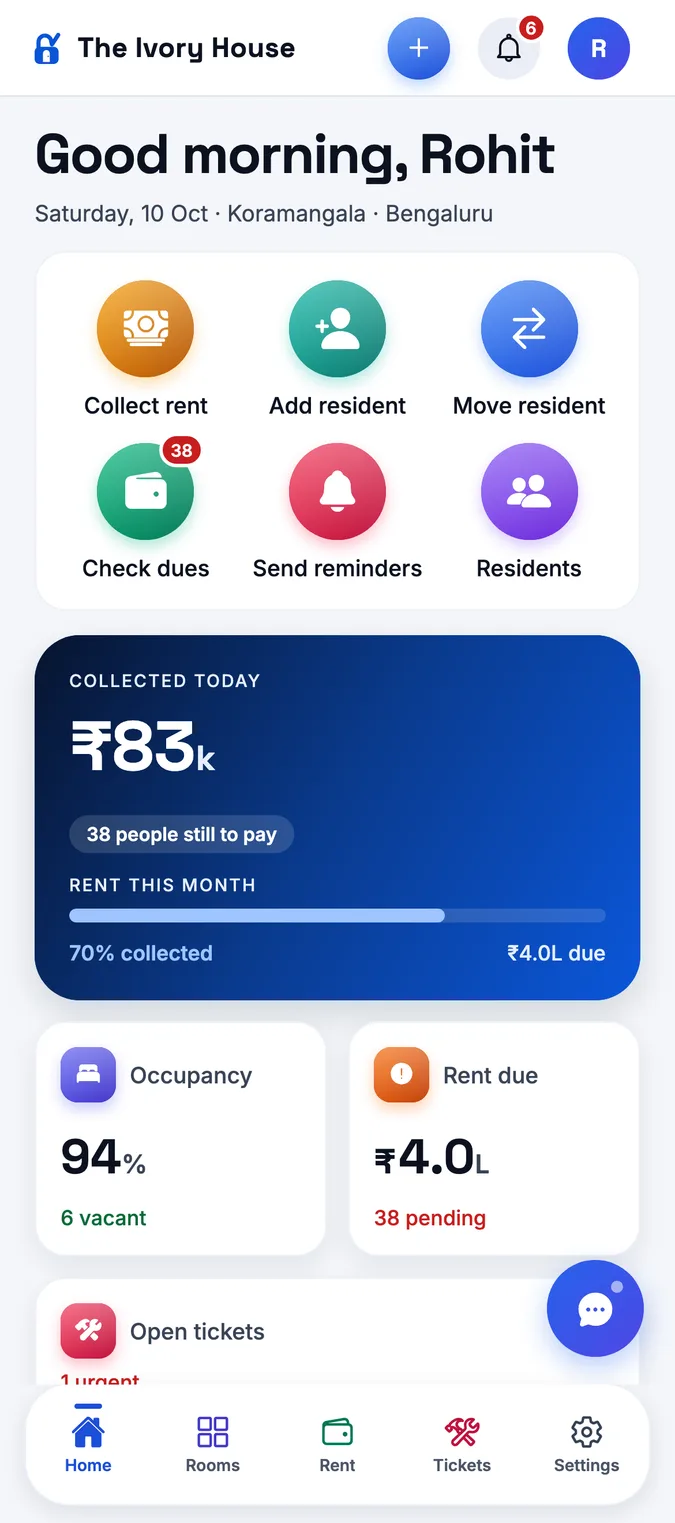
In StayOne, access follows the role: managers see only the hostel they work at, owners see every property, and you can switch on approval of new devices, so a new phone has to be approved before it can sign in.
See staff cost in your monthly profit
Along with the building and the food, staff is one of the largest monthly costs in most PGs — and it does not fall when beds go empty. That is why it should sit inside your monthly profit, not in a separate notebook.
A useful number to watch is staff cost per occupied bed. Say your six staff cost ₹76,000 a month and 55 beds are occupied: that is about ₹1,382 per bed. If occupancy drops to 45 beds, the same team costs about ₹1,689 per bed. You do not need to cut staff when that happens — but you should know it, and it should shape how hard you push to fill beds.
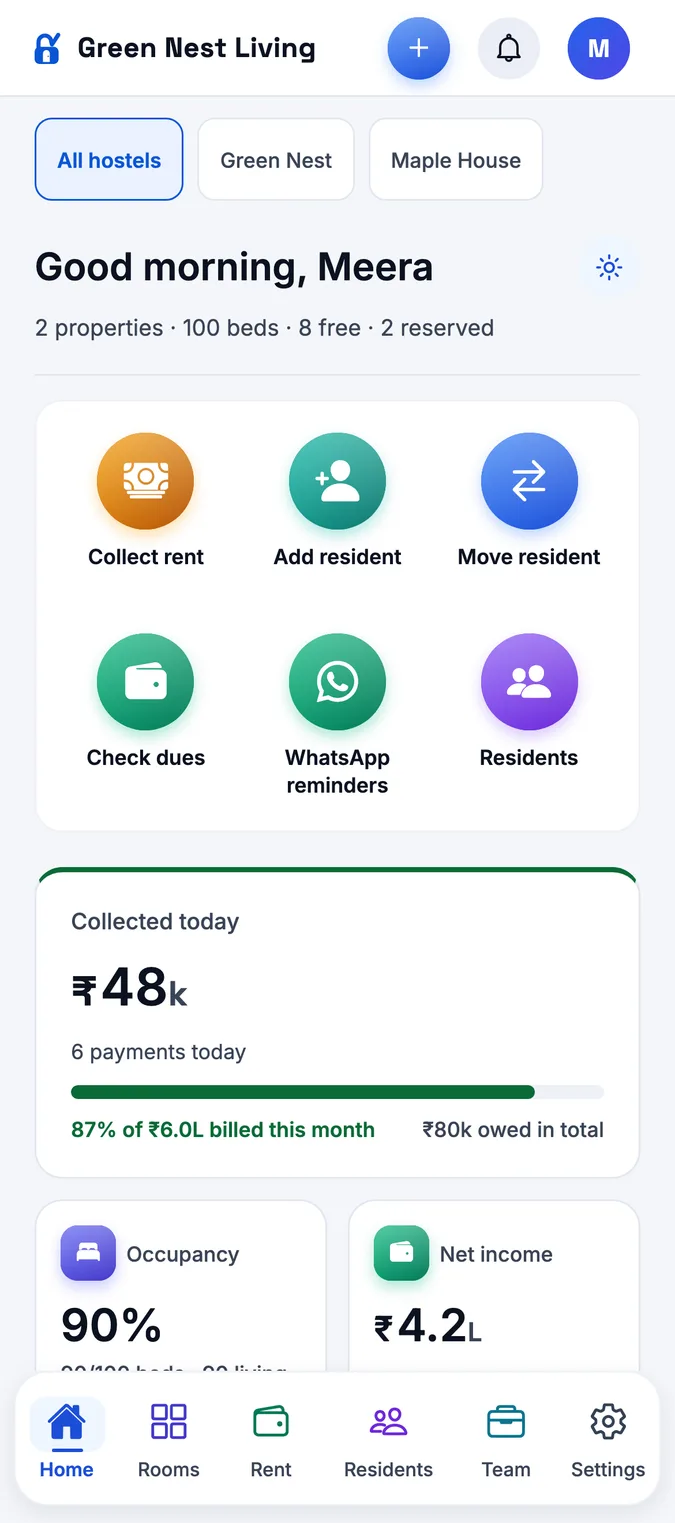
In StayOne, a salary marked paid is added to that hostel's expenses under Staff salaries, so the net income on your home screen already includes your team. Marking a salary unpaid takes it back out, so the numbers never count the same salary twice. For more on what a full system should cover, see our overview of PG management software.
A monthly payroll checklist for PG owners
| When | What to do | Who |
|---|---|---|
| Every morning | Mark every staff member present or absent. | Manager |
| When an advance is asked for | Check the limit, write down date, amount and how it was paid, and agree the recovery. | Owner (manager within the limit) |
| Every Friday | Glance at the week's attendance and talk about any problem now, not at month end. | Owner |
| Last day of the month | Check attendance is complete for every day. Fix any missed day while people still remember it. | Manager |
| Salary day | Work out each salary with absent days and advance recovery taken off, pay by UPI or bank, and record each payment. | Owner |
| After salary day | Show each person their salary, deductions and advance balance. | Owner or manager |
| Month close | Check staff salaries in the month's expenses and staff cost per occupied bed. | Owner |
Run this for two months and salary day becomes ten minutes of work. StayOne keeps the attendance, payroll and expenses in one place, so the numbers you pay from are the same ones your manager marked.